

Updating plugin
In order to update module to the newest version, please follow this steps:
In order to update module to the newest version, please follow this steps:
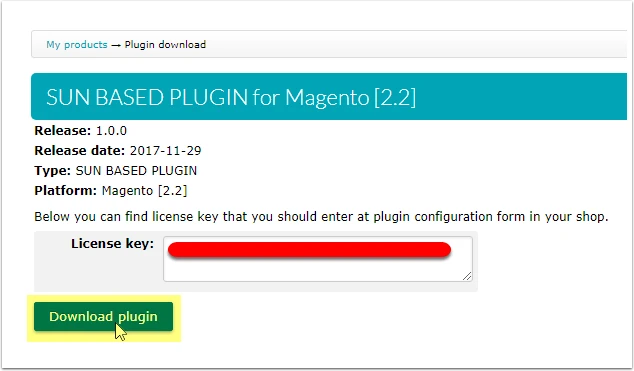
- Download the .zip file from your ORBITVU SUN account
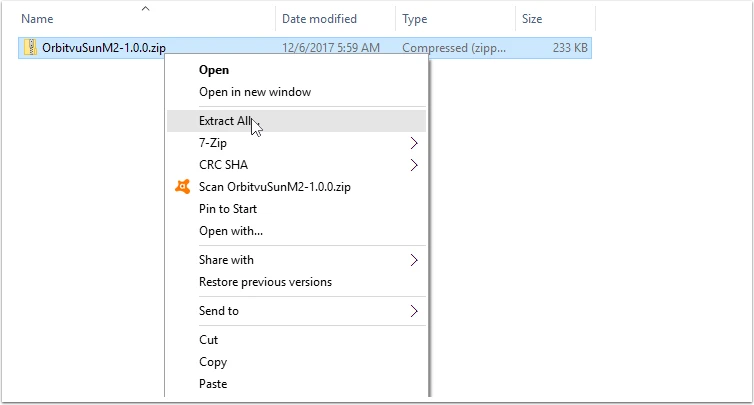
- Unpack the .zip file
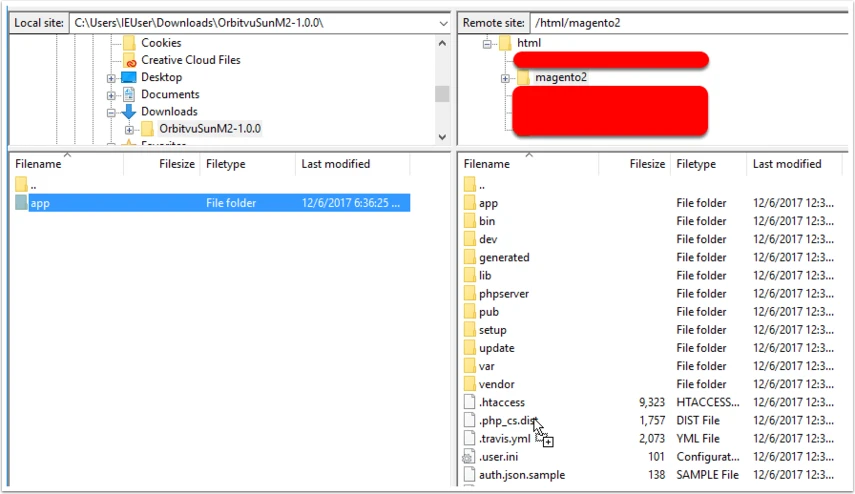
- Copy unpacked content into your Magento's root path
- Open server bash shell and go to the Magento's root path. Run the command:
php bin/magento setup:upgradeThis command checks all of the modules and launches schema updating process.
You may need to clear the Magento's cache after updating the plugin.