

Introduction
Orbitvu Cloud (v2) for Magento 2.4 and Adobe Commerce displays Orbitvu Presentations from your ORBITVU CLOUD account (360° spins, 2D images, Orbittour, video) in the product page gallery.
Orbitvu Cloud (v2) is the plugin for Magento 2.4.6 or later and Adobe Commerce. It displays Orbitvu Presentations from your ORBITVU CLOUD account in the product page gallery: 360° spins, Orbitvu 2D images, Orbittours and videos. The presentations stay in ORBITVU CLOUD and are served from its CDN; the shop stores only the links between presentations and products.
Orbitvu Cloud (v2) has version numbers 2.0.0 or higher; the package is OrbitvuCloudM2-2.x.x.zip. It replaces the previous Orbitvu SUN plugin for Magento 2 (module Orbitvu_Sun, versions 1.x). Product links, unlink history and settings of the previous plugin can be migrated with one command, see Migrating from the previous plugin.
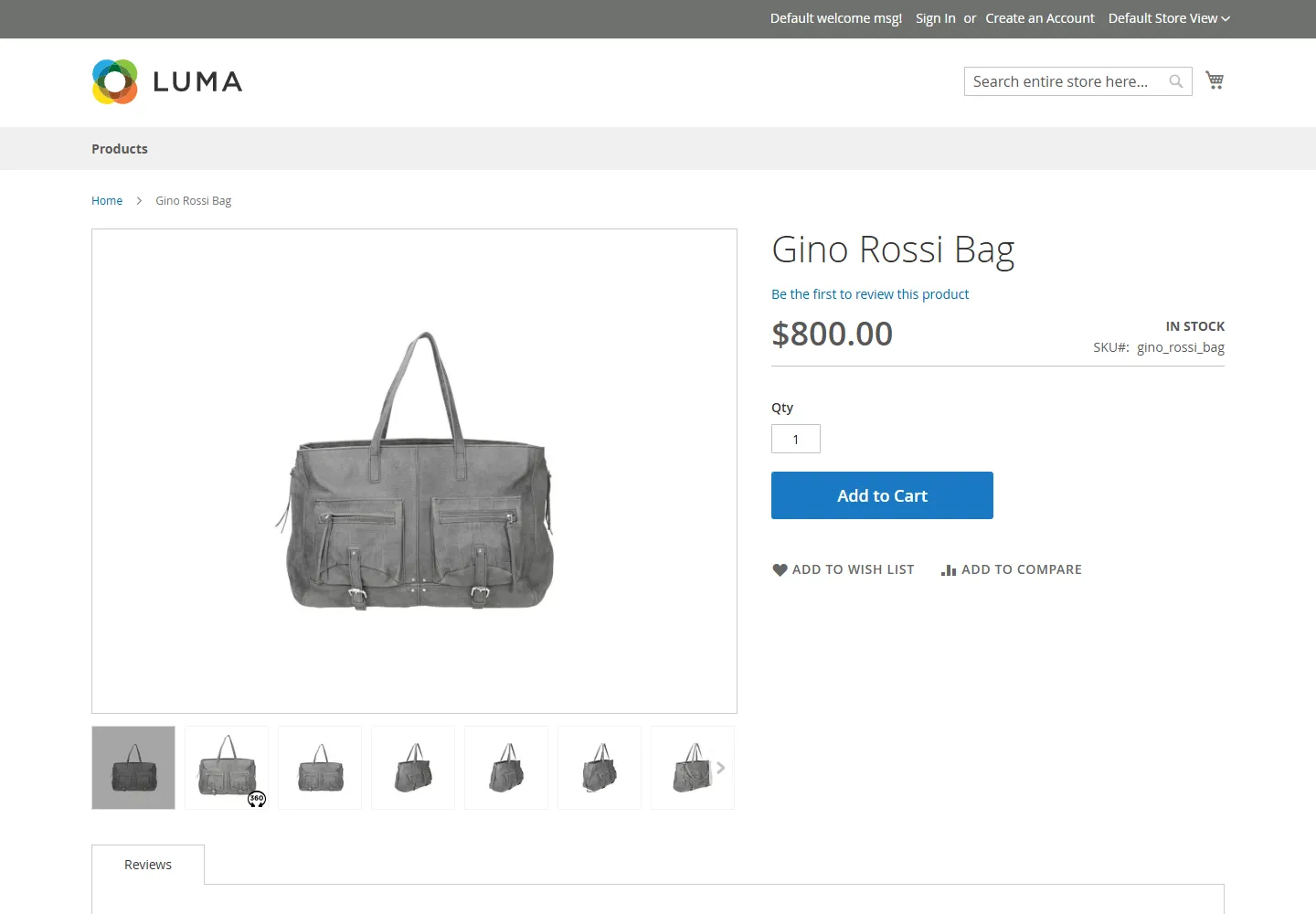
Product page gallery
- 360° presentations, Orbitvu 2D images, Orbittours and videos together with the native Magento images and videos, before, after or instead of them.
- Zoom magnifier and lightbox with a colorized background.
- Responsive layout with touch support.
- Configurable products: choosing a variant (for example a colour) shows the media of that variant, including its Orbitvu presentation.
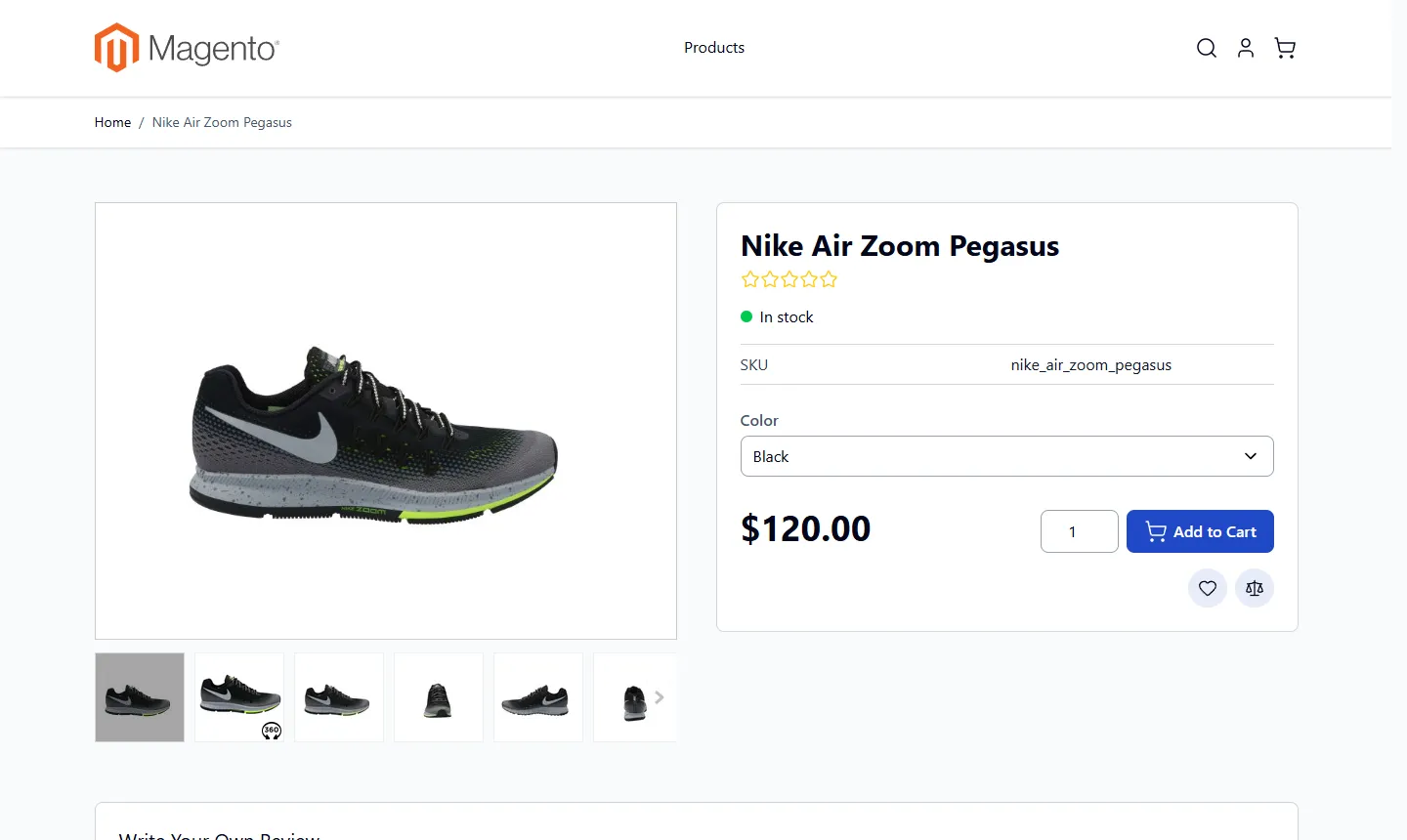
- Luma and Hyvä themes: store views with a Hyvä theme are supported by the compatibility module included in the same package.
Back office
- Connection with your ORBITVU CLOUD account by a license key; a demo account is connected by default.
- Linking presentations to products by hand or automatically by SKU, also for many products at once.
- Showing, hiding and reordering presentation items for each product.
- Copying Orbitvu 2D images to the native Magento images, so other extensions (feeds, marketplaces) can use them.
- Synchronization of linked presentations with ORBITVU CLOUD by a
bin/magentocommand, also from a cron job of your server. - Health check URL for monitoring tools.