

Installation
There are 2 ways of installing Orbitvu SELF HOSTED plugin in your Woocommerce shop.
There are 2 ways of installing Orbitvu SELF HOSTED plugin in your Woocommerce shop.
Manual upload using ftp manager
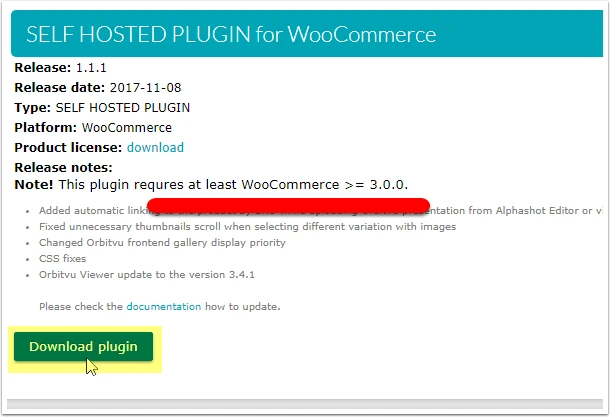
- Download the .zip file from your ORBITVU SUN account
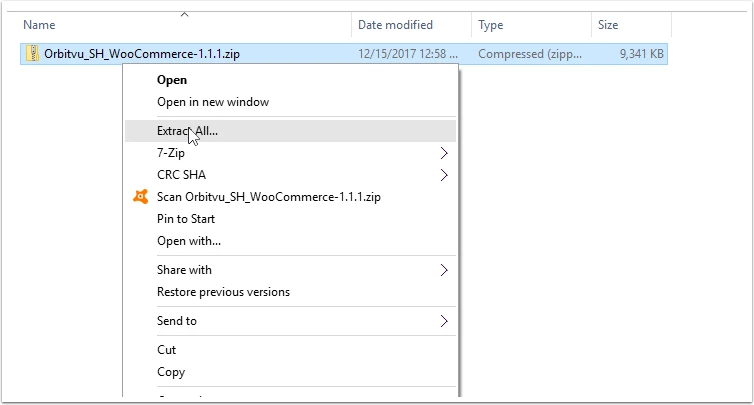
- Unpack the .zip file
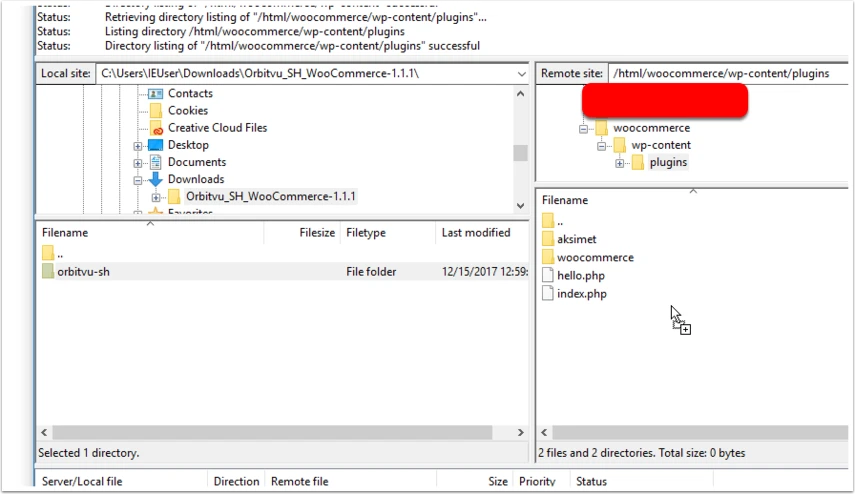
- Copy unpacked content into Woocommerce's plugins folder: "woocommerce_path/wp-content/plugins"
- Login to your Woocommerce's back office and go to the Plugins. Search for the "Orbitvu SELF HOSTED" plugin and activate it.
Upload via Woocommerce's back office
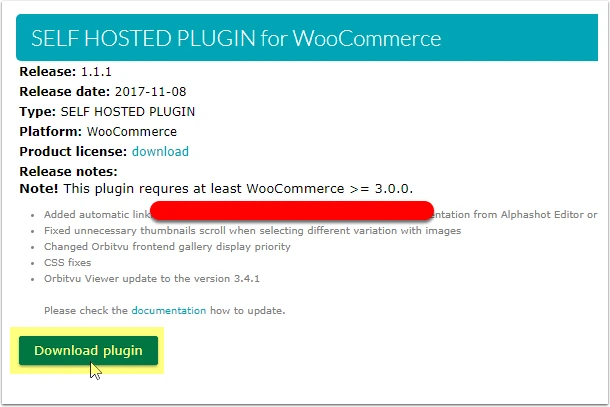
- Download the .zip file from your ORBITVU SUN account
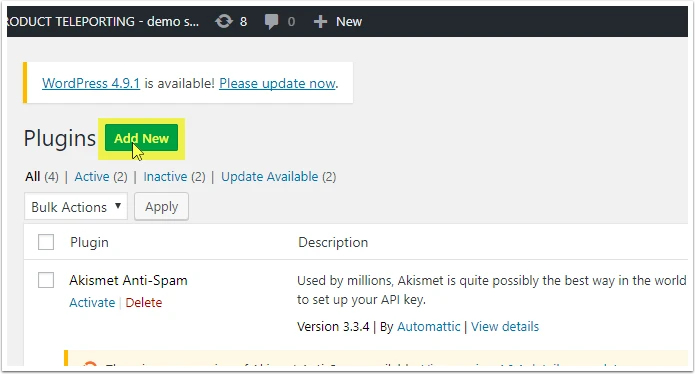
- Log in to your Woocommerce’s back office and go to the Plugins. Click "Add new " which is placed in the top.
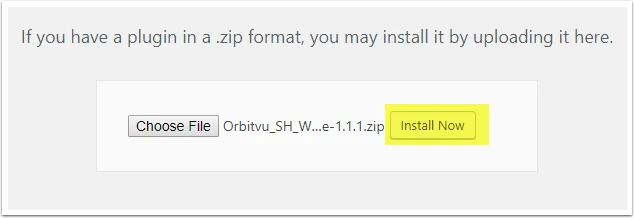
- Click the button "Upload plugin". Choose newly downloaded .zip file and click "Install now".
- After successful uploading, the module will appear on a list. Click install and then activate the plugin.