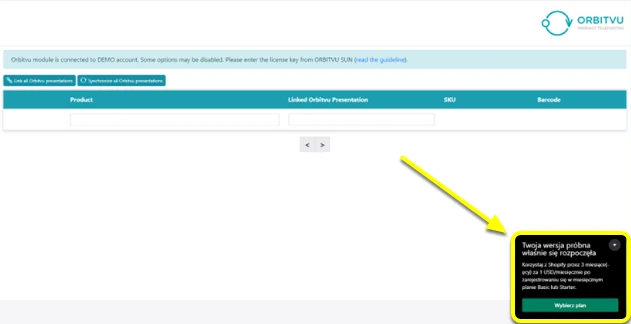

Installation
Caution! Orbitvu Visual Content Display is connected to your E-Commerce plan. You need to keep the E-commerce plan valid for the Shopify integration to work properly.
Caution! Orbitvu Visual Content Display is connected to your E-Commerce plan. You need to keep the E-commerce plan valid for the Shopify integration to work properly.
How to install Orbitvu Visual Content Display
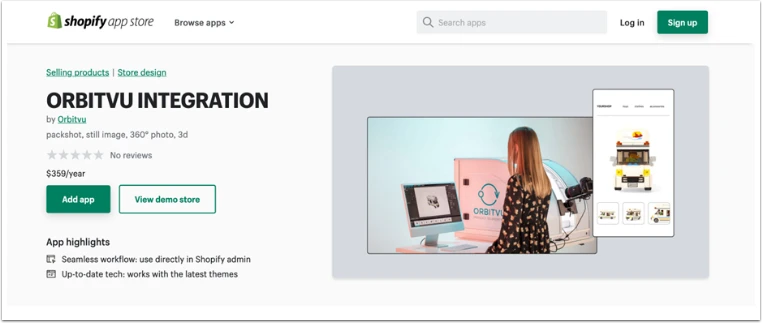
- Go to the Shopify marketplace: https://apps.shopify.com/orbitvu-integration
To install plugin you must have:
- an active account on Orbitvu SUN Cloud
- active Shopify e-shop
- Orbitvu device
* The password for the demo store is: demo
- Click on “Add app” button.
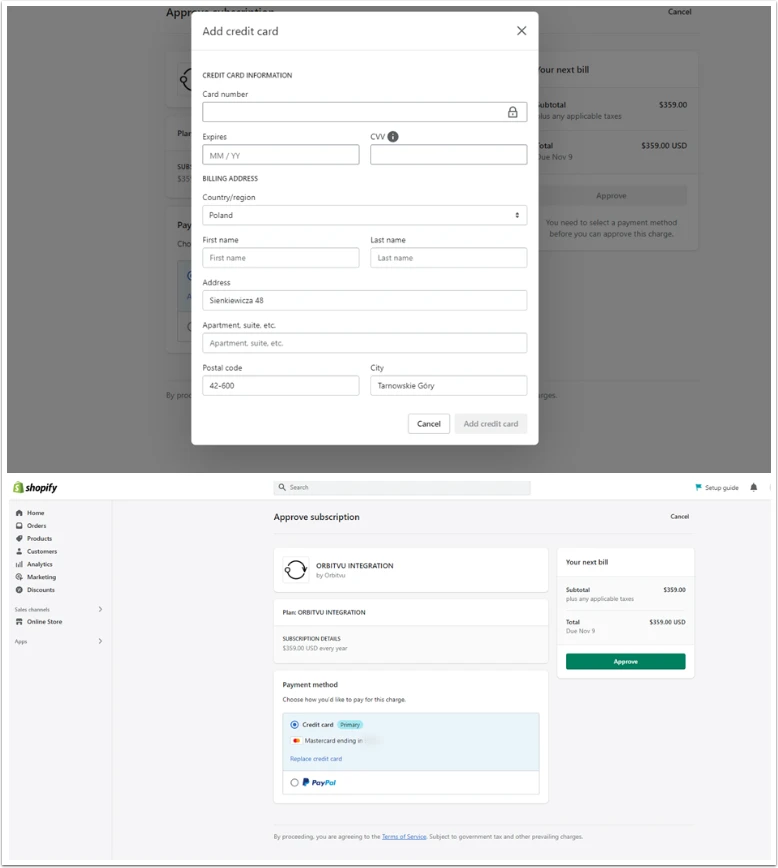
- Go through the payment steps and pay for the plugin.
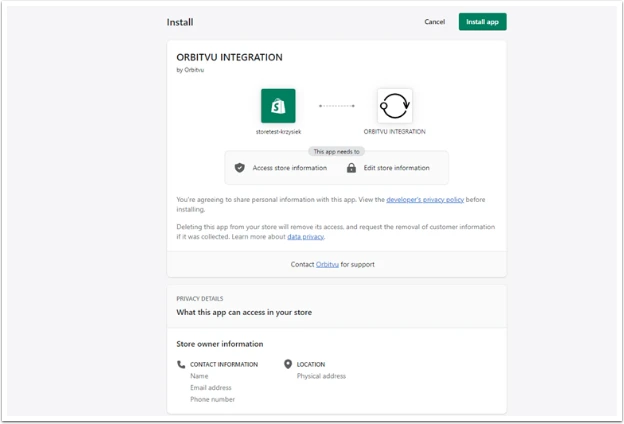
You can pay with credit card or PayPal.
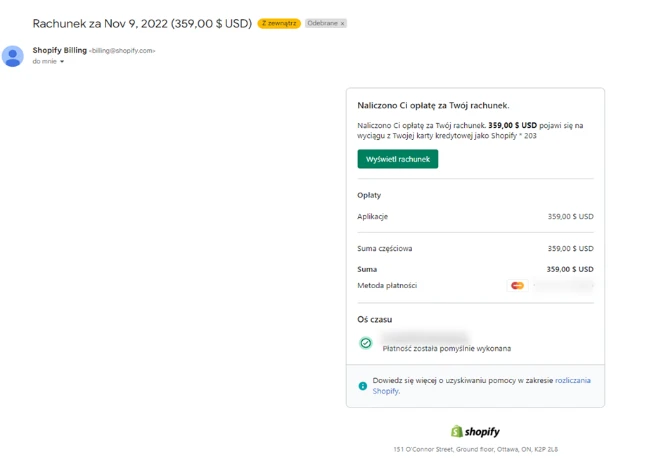
- After purchase you will receive applicable emails and the Orbitvu integration will appear in your store.