

Updating plugin
In order to update the module to the newest version, please follow these steps:
In order to update the module to the newest version, please follow these steps:
-
Deactivate current version of a module.
-
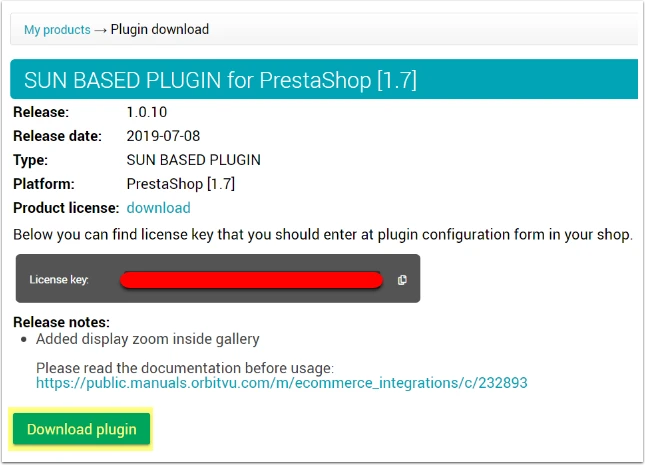
Download the .zip file from your ORBITVU SUN account
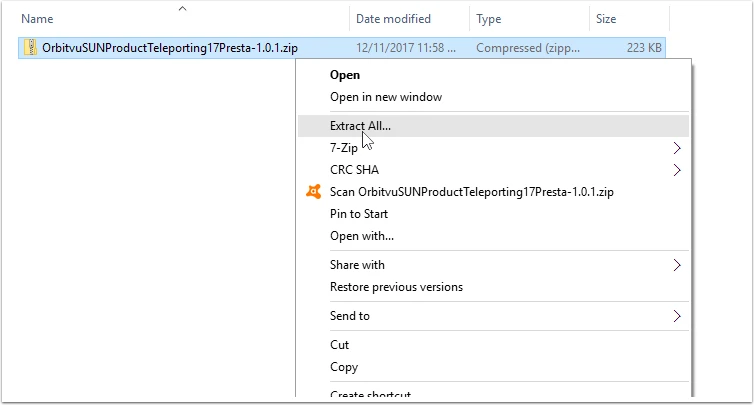
- Unpack the .zip file
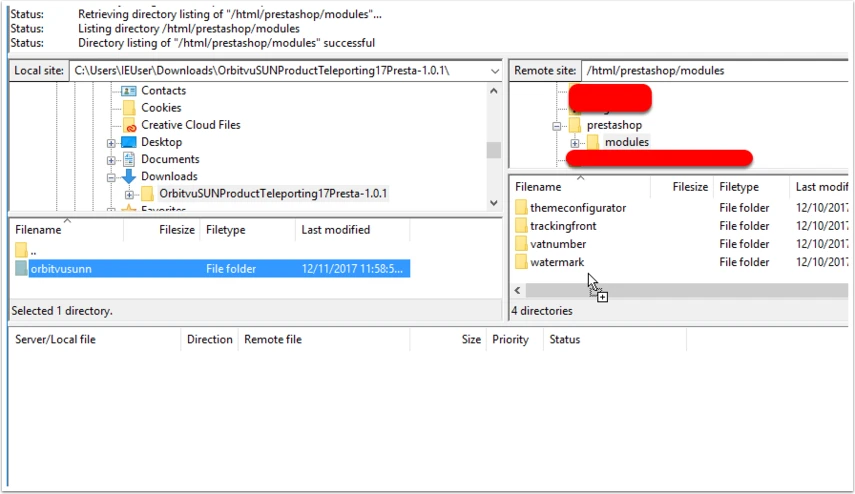
- Copy unpacked content into Prestashop's modules folder: "presta_path/modules".
- Login to your Prestashops's back office and go to the "Modules -> Installed modules". Search for the "Orbitvu SUN" plugin and activate it (all update tasks will be automatically performed in the background during activation).