
Installation
Caution! Orbitvu SUN integration is connected to your E-Commerce plan. You need to keep the E-commerce plan valid so the app works properly.
Caution! Orbitvu SUN integration is connected to your E-Commerce plan. You need to keep the E-commerce plan valid so the app works properly.
How to install Orbitvu SUN integration
- Go to the Shopware marketplace and open Orbitvu SUN integration app page.
To install plugin you must have:
- an active account on Orbitvu SUN Cloud
- active Shopware 6 e-shop
- Orbitvu device
-
Add the Orbitvu SUN integration to the cart and go through the payment steps and pay for the app.
-
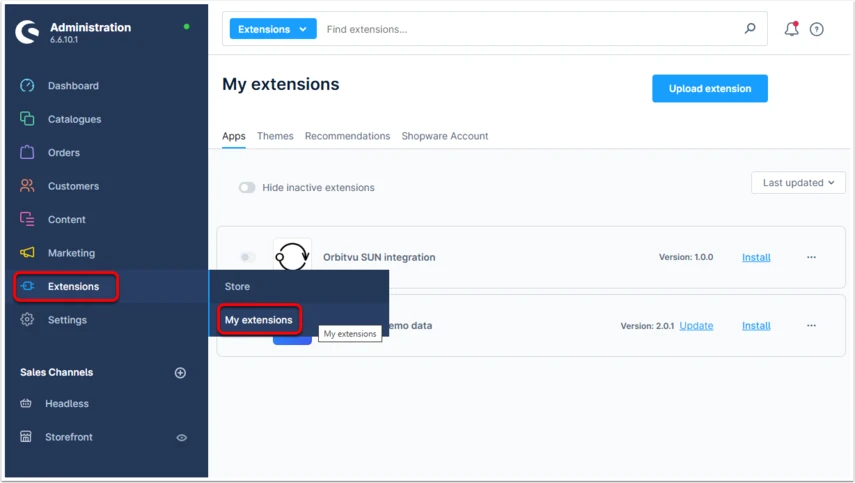
Open you shop admin panel and go to the "Extensions -> My Extensions".
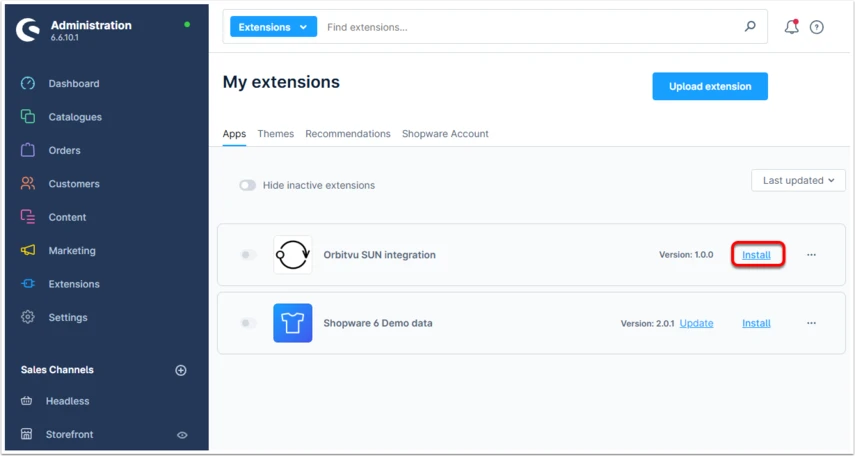
- Install the Orbitvu SUN integration
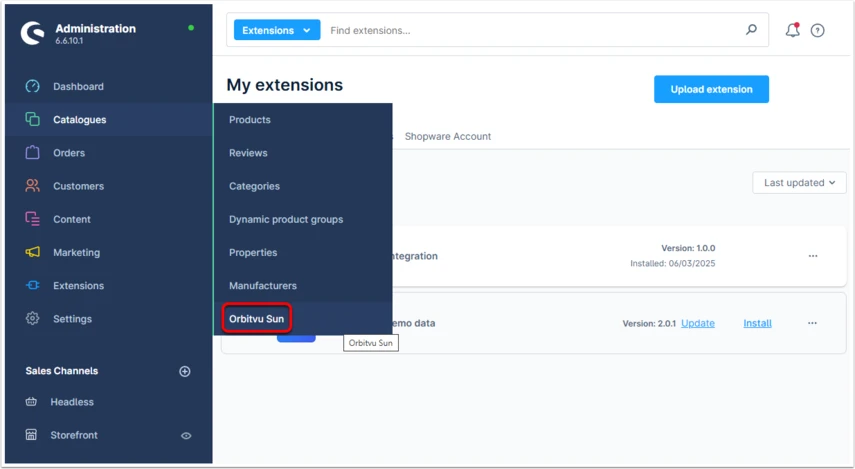
- After installation process is finished, the new tab in the Catalogues section will appear